LIVE: Ask Claude anything with Senja MCP
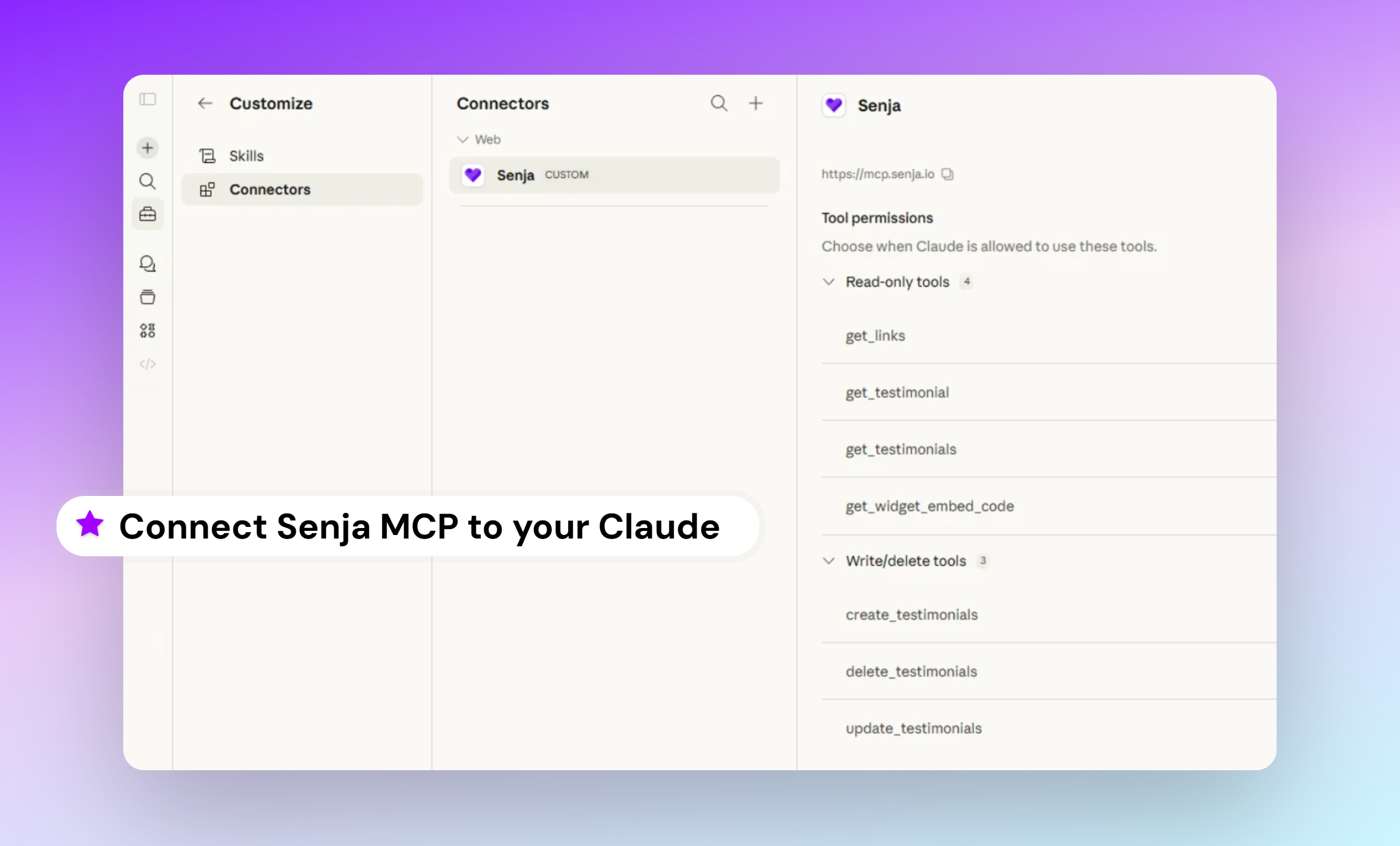
I've wanted this for a long time, and it's finally here: You can now connect Senja directly to Claude using MCP.
MCP (Model Context Protocol) is how AI assistants like Claude connect to external tools. And now Senja is one of them.
Connect Senja once, and Claude can search your testimonials, filter by tag or rating, create new ones, and grab links and embed codes for all your Senja assets: Wall of Love pages, widgets, forms, case studies, quick links, sizzle reels, popups, you name it.
A few things you can try straight away:
Find me testimonials that mention onboarding
Get my most recent 5-star reviews
Give me the embed code for my Wall of Love
Add a new testimonial from John
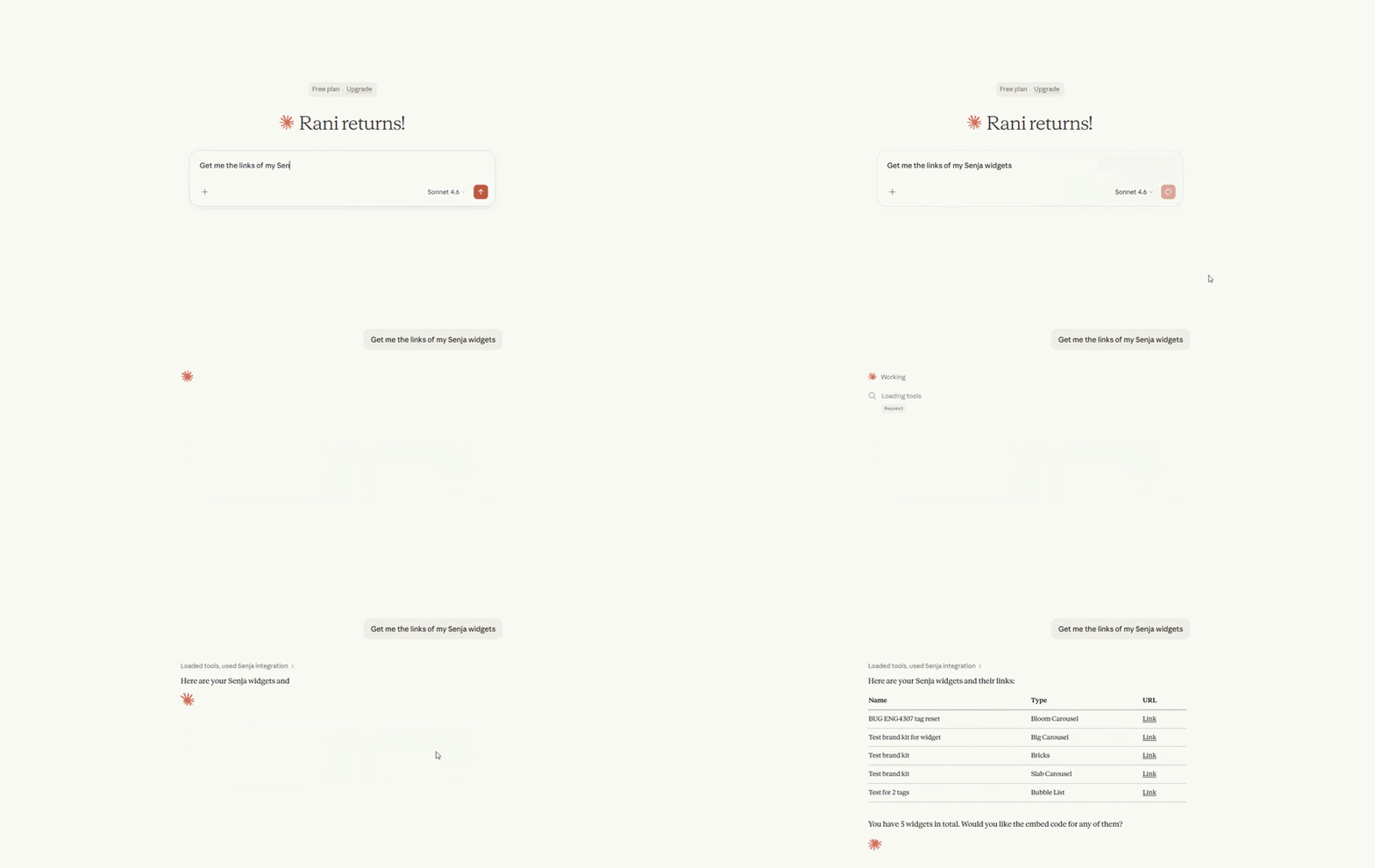
How to get started?
Go to Claude, choose Customize → Connectors → Add custom connectors → put https://mcp.senja.io in the URL field, click Add.
Now you just need to connect your Senja account!
One minute to set up, saves you hours later.
Also shipped:
Native Slack notification
API rotator
Improvement on Analyze page
Fixed 7 public API bugs: tag handling, sorting, filtering, and malformed ID errors
Bug fixes on Forms: granular consent, logo removal
Bug fixes on Imports: auto-approval in auto-import, Udemy import failure
Bug fix on video testimonial transcript error
Bug fix on source filtering mode in Proof page
Bug fix on multipart testimonial displays in widgets