Option to include Screengrabs other widgets without avatar and name
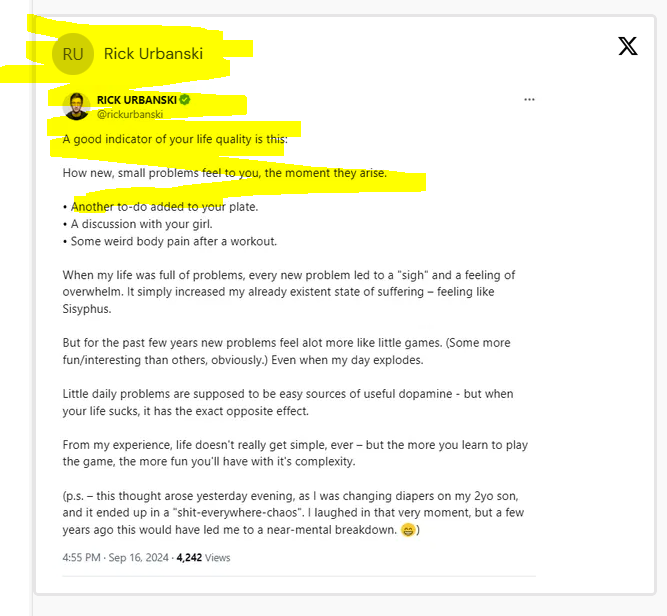
I want to use the testimonial masonry but also love the new “screengrab grid” and want to use both at the same time inside one widget. Currently this can only be achieved by adding a screenshot as a testimonial manually and removing the text but then still it shows an avatar and name.
But for a much cleaner look I just want the option to import a screen grab without any additional information as one of the testimonials inside the testimonial masonry (and also other fitting widgets like the carousel widget etc.)
Log in to comment and vote
Comments1
Igor Butnaru
Mar 27
Hi @Rick,
Sorry for the late reply on this one.
You can actually hide the avatar in the Masonry widget already.
Here's how:
Go to Studio
Open your Masonry widget
Click the Design tab
Under Customer Photos, toggle off Show Customer Photos
This should give you the clean screengrab look you're after. Let us know if that works for you.
Igor – Senja Support