Proof reels: Optional project name
Option to remove the project name
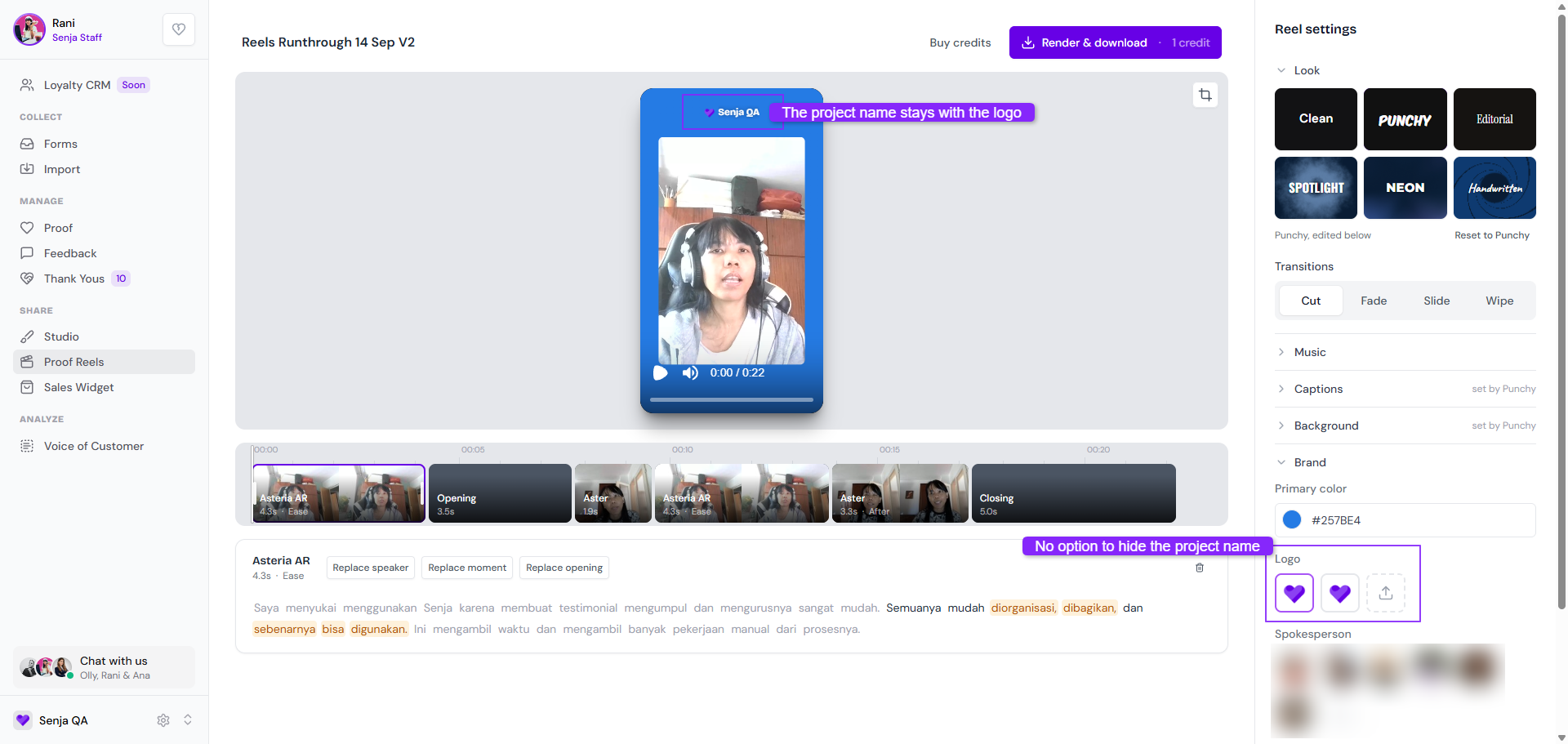
When opting in the Show a background section, the project name is shown on top of the testimonial video
If the Brand > Logo is enabled, the logo showed up along with the project name
Is there any way to keep the logo only, removing the project name?
Log in to comment and vote
Comments1
Rani
Nov 13
Hello,
This option is currently not available.
There are 2 workarounds:
Option 1: Disable Show a background (clean look, no project name)
Option 2: Update the Project Name from the settings page https://app.senja.io/settings to make it more presentable
Opening this up for discussion and waiting for more upvotes to make it happen.
Cheers,
Rani - Senja Support & Ops